

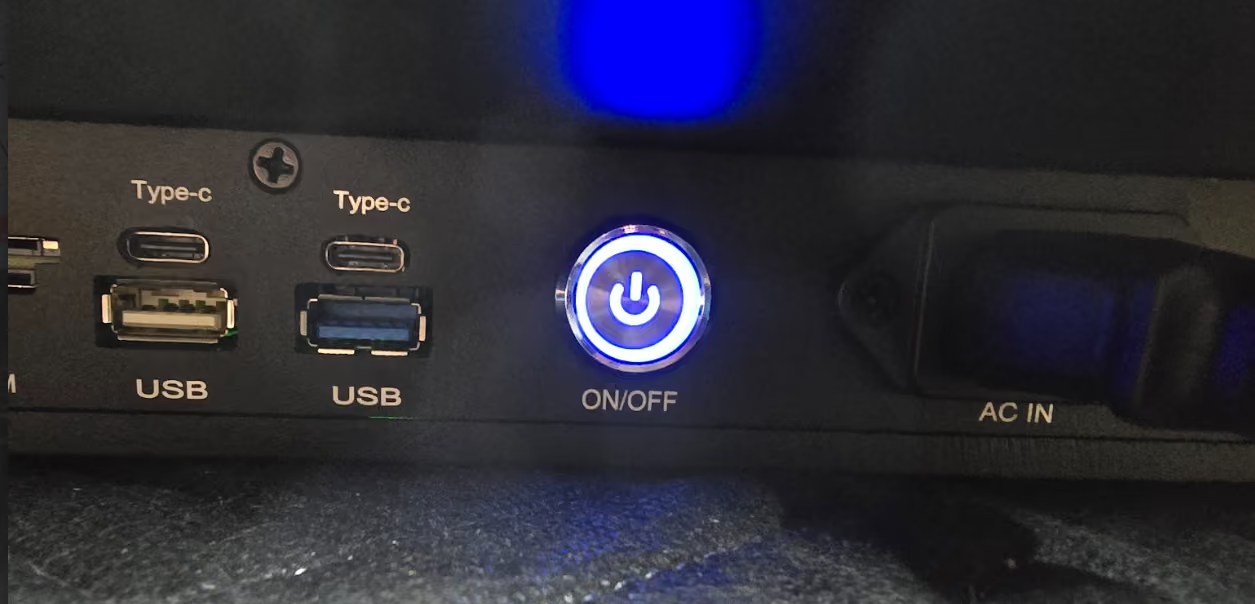
1. After mounting and connecting the display to power, power on the display. (Power Button is on the bottom side of the display)
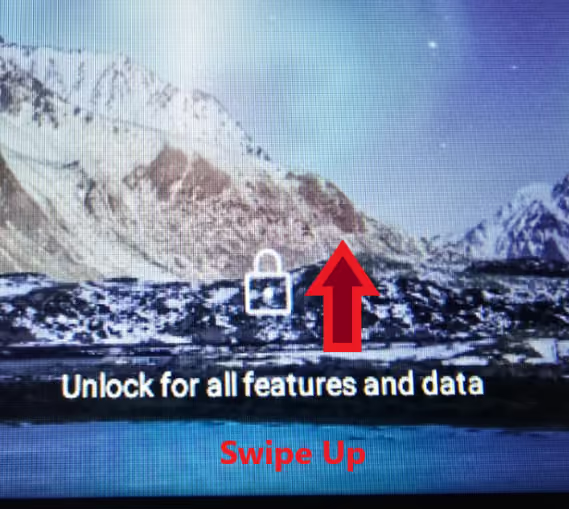
2. Swipe up from padlock icon to unlock
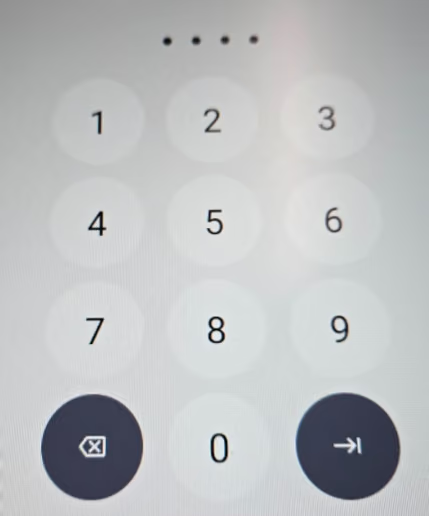
3. Enter unlock PIN (8000)
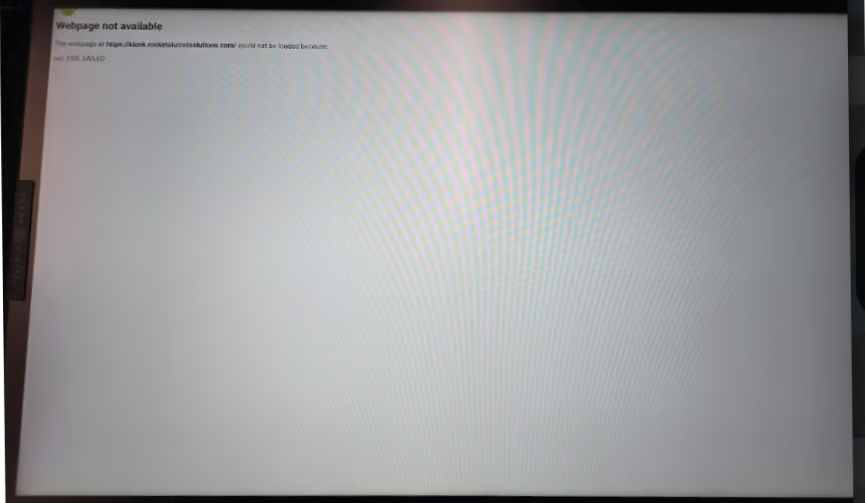
4. Rocket App Launches (Displays as “Webpage Unavailable” until you connect to the internet.)
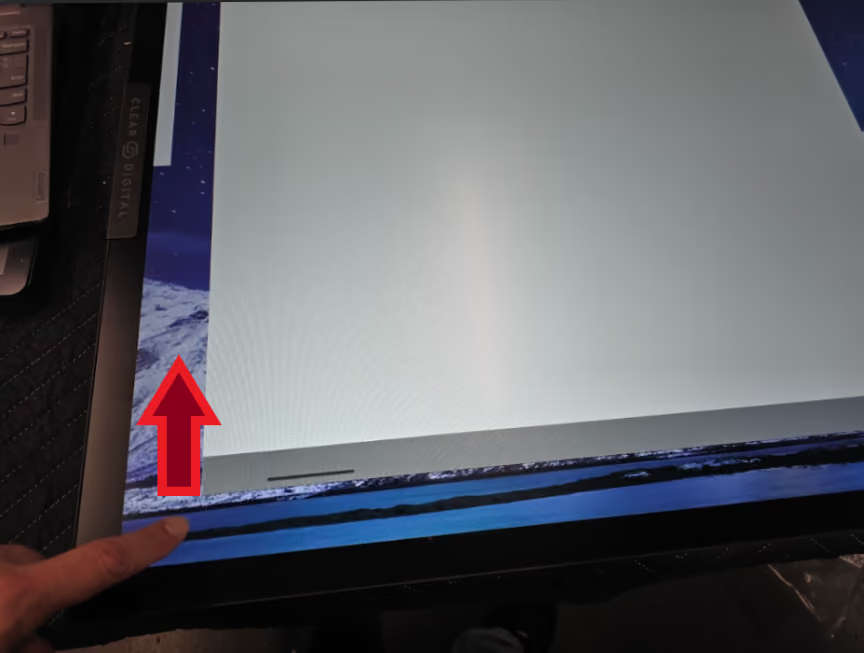
5. Close Rocket App (swipe up from bottom left corner, swipe Rocket app up to close)

6. Click App Tray “Waffle” Button
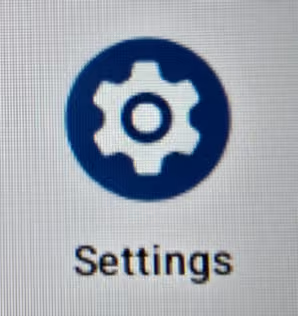
7. Click Settings
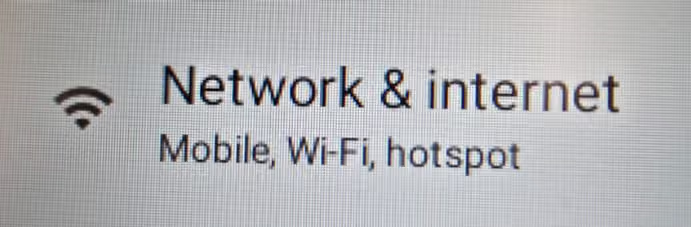
8. Click Network & Internet

9. Click Internet
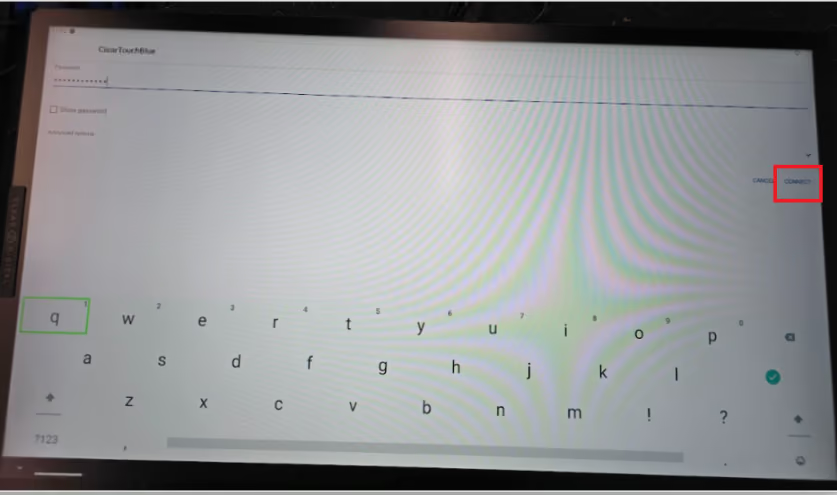
10. Select your network from list of available networks (or “Ethernet” if using LAN)
11. Enter your network credentials
12. Click Connect
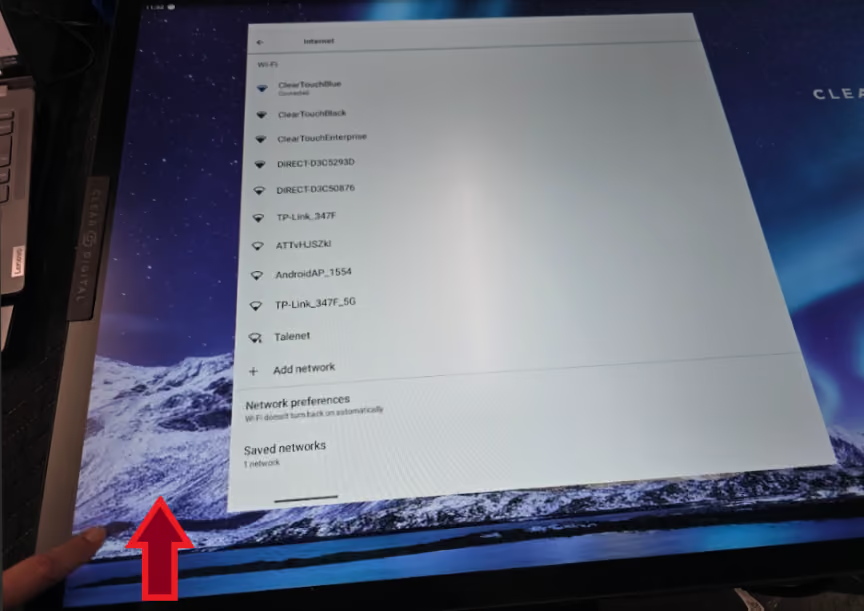
13. Swipe up from bottom left to back out of Settings
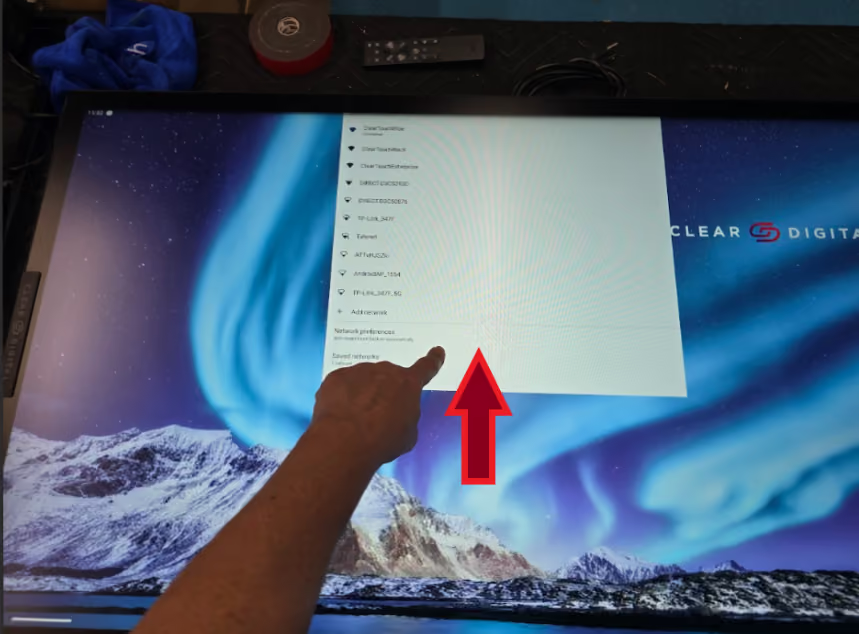
14. Swipe Settings App up to close
15. Click App Tray “Waffle” Button
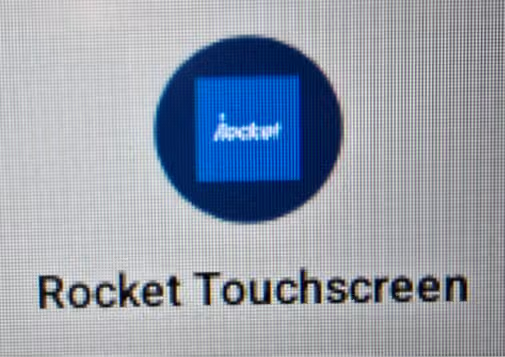
16. Open Rocket App
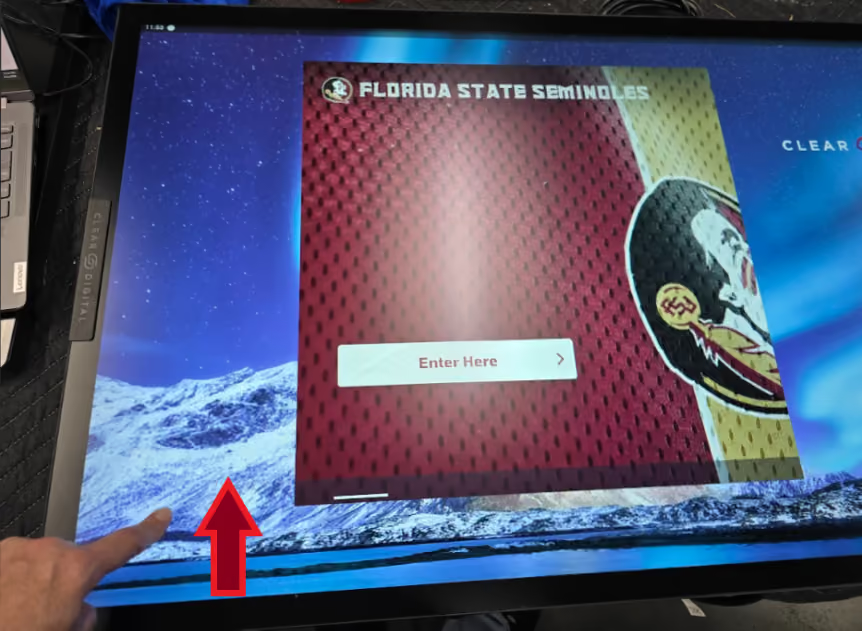
17. Swipe Up from bottom left twice to view Rocket App Window
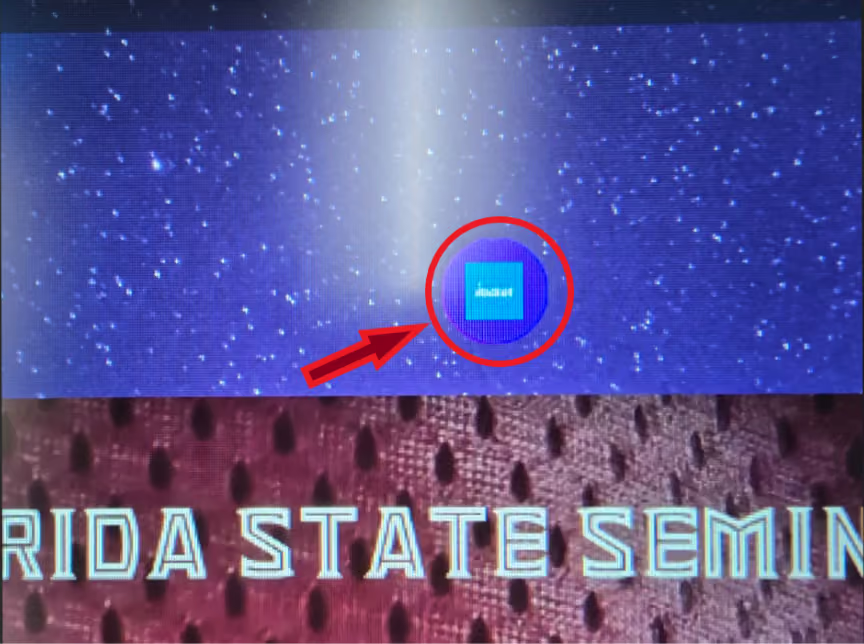
18. Click App Icon above Rocket app window
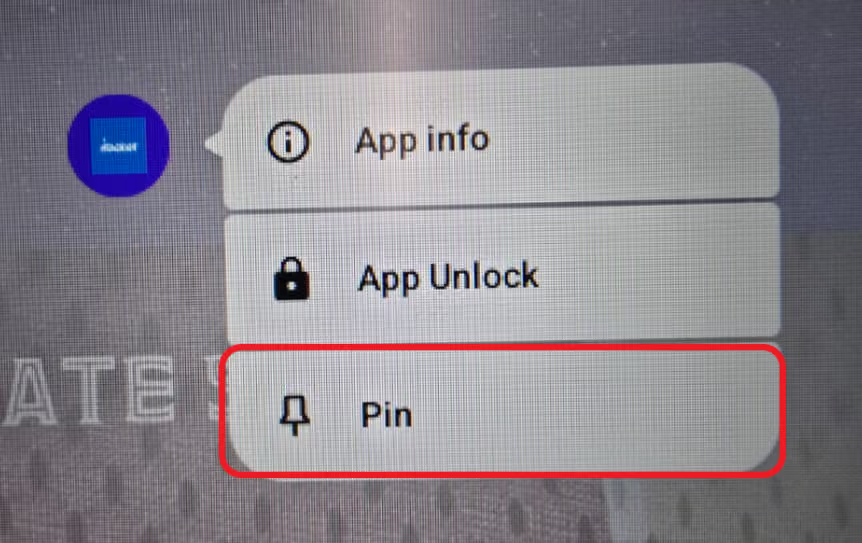
19. Click Pin
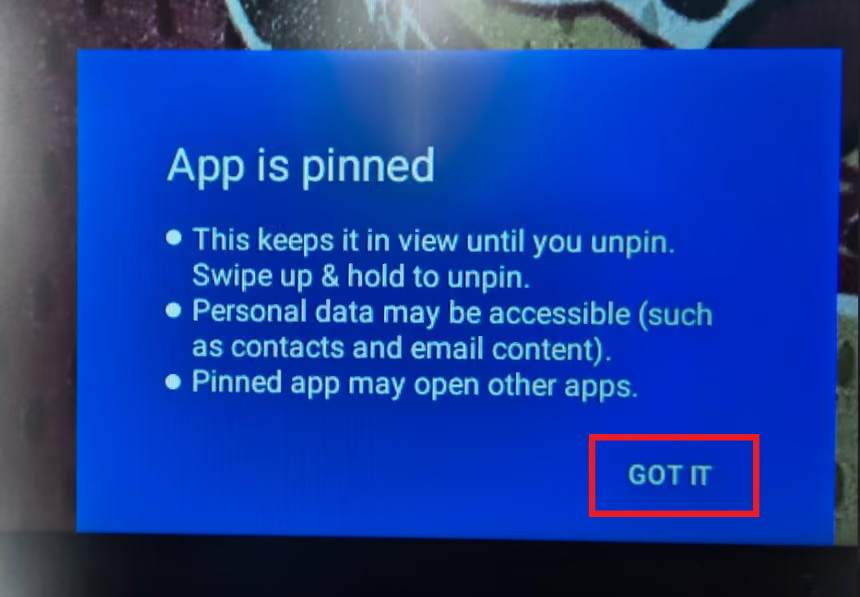
20. Click GOT IT